Troubleshooting and Error Messages Guide
Use this guide when the app shows a message that blocks the next step or when a user-facing status needs a short explanation. Payment-specific messages are covered in Payments, Billing, and 3DS.
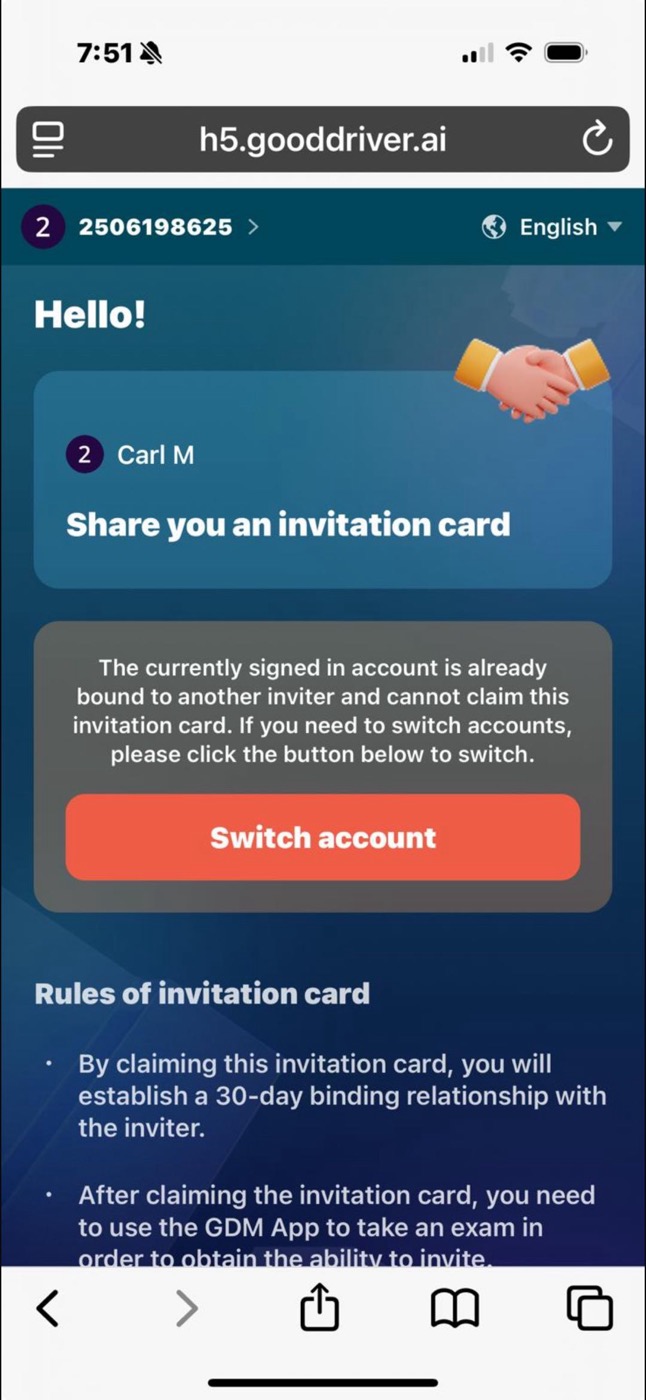
Invitation code error
If an invitation card has expired and another invitation code does not work, the renewal invitation may need to come from the same inviter.
What to do:
- Check whether the invitation card or invitation capability has expired.
- Contact the original inviter for a new valid invitation when required.
- If you are unsure which inviter applies, contact support.
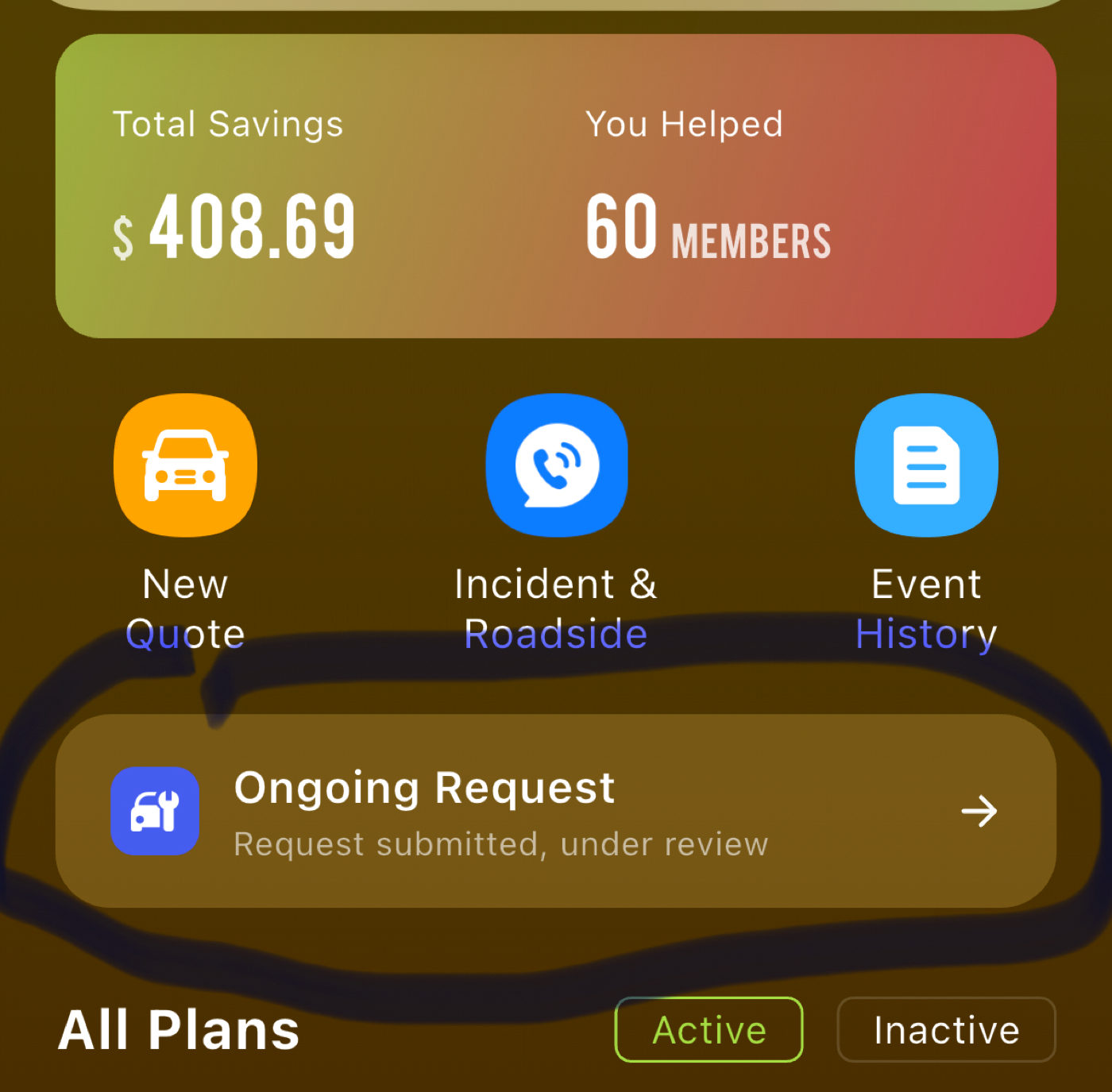
Roadside assistance notice
If a roadside assistance notice remains visible while monthly settlement is pending, there may be no action needed from the member. If support has already confirmed the request, follow support's instruction and wait for the settlement process to complete.
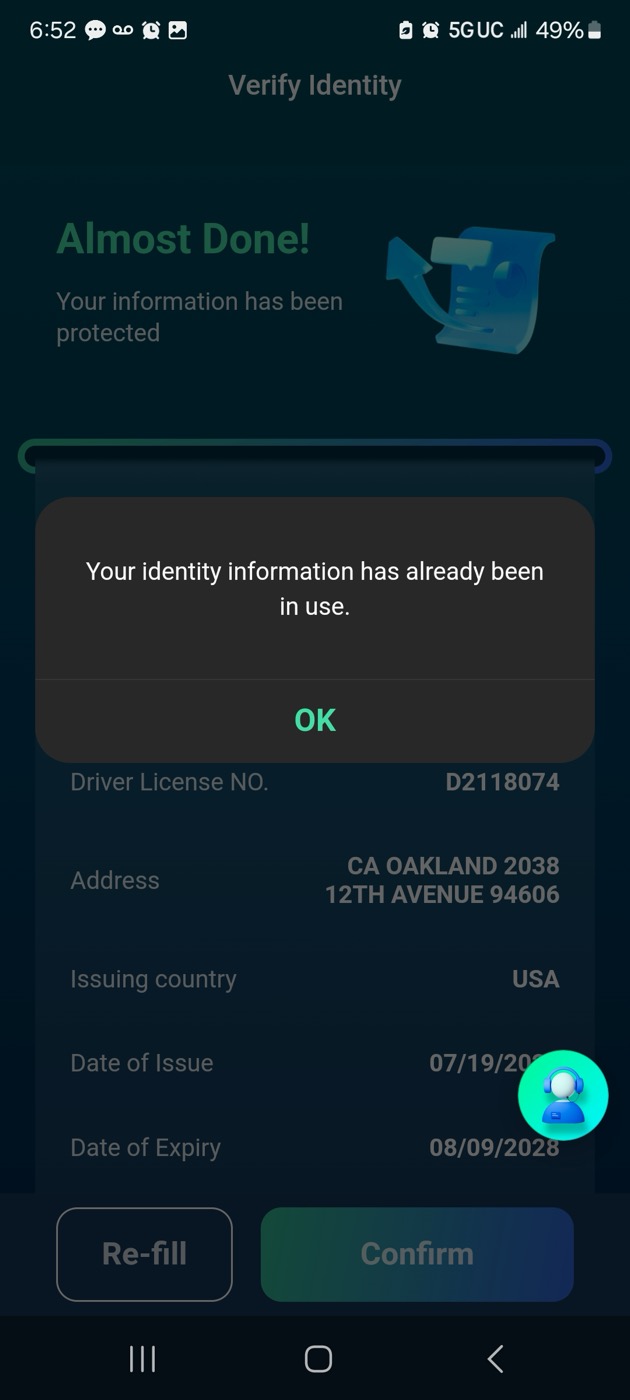
Identity information already used
If the app says identity information is already occupied or already used, it may mean the license or identity details are connected to an existing account.
What to do:
- Try logging into the existing account if you recognize it.
- If you do not know which account is connected, contact support.
- Support may ask for verification before helping you recover the correct account.
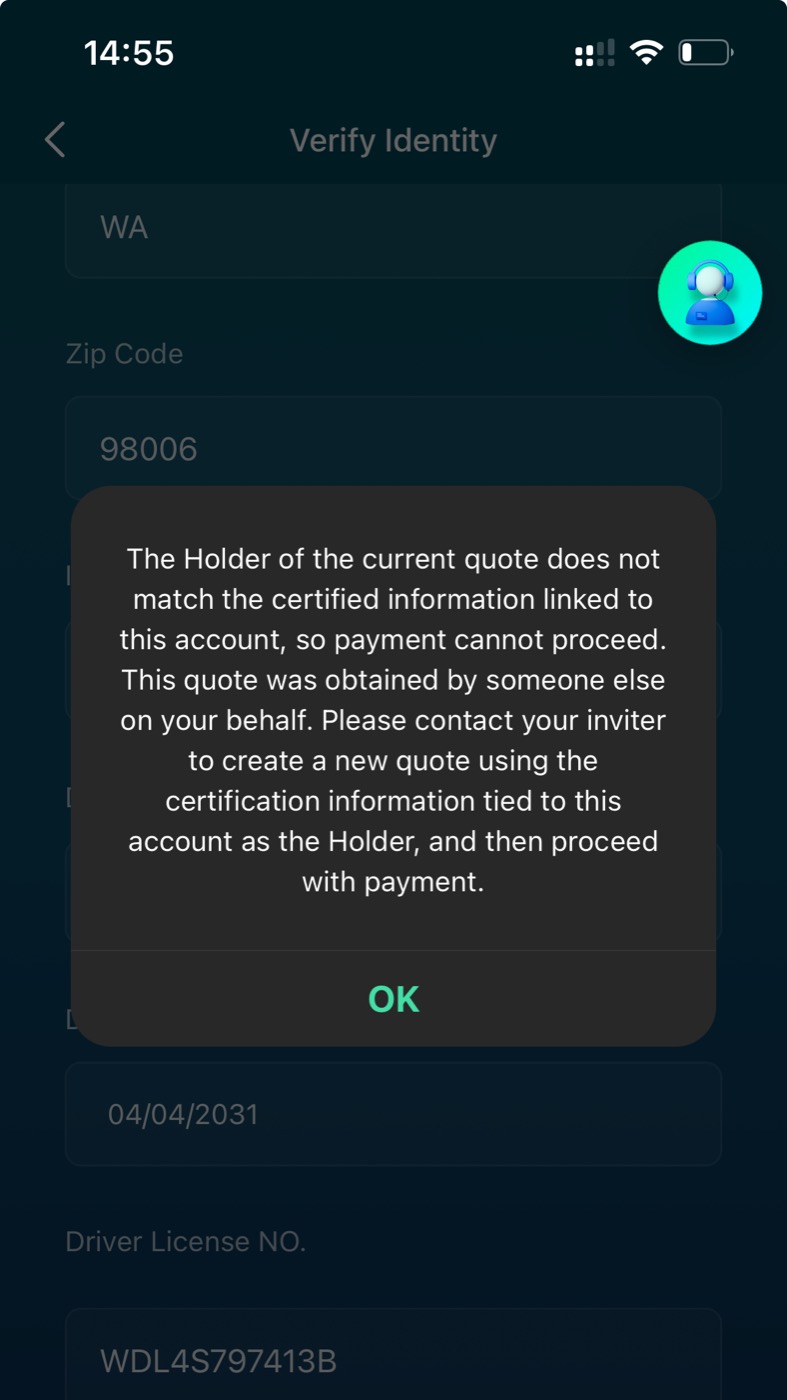
Identity information does not match
If the app says license number, name, gender, date of birth, or other identity details are incorrect:
- Check the information against the driver's license.
- Make sure the spelling, date of birth, and license number match exactly.
- Upload a clear license image if support requests it.
- Contact support if the information is correct but the app still shows the message.
Unable to add an additional driver
If you cannot add an additional driver and plan address details cannot be viewed, the PIN may need to be reset first.
What to do:
- Tap the profile picture.
- Go to Data Security or PIN Security.
- Verify or reset the PIN.
- Try adding the additional driver again.
For the driver-addition workflow, see Quotes and Enrollment.
Quote or enrollment messages
For address eligibility, KYC upload mismatch, and declaration page issues, see Quotes and Enrollment.
Affiliate and withdrawal messages
For Lark withdrawal, Stripe setup, invitation capability, reward status, points, and tax-form tasks, see Affiliate and Rewards.